
Internet Marketing
Affordable Website Design for Small Businesses | arunnn

Sep
For a small business, a website does not need to be complicated or expensive. It needs to look professional, work well on mobile devices, explain what you offer, and make it easy for customers to contact you or buy from you. That is the practical meaning of low-cost website design: getting the essential online presence right without paying for features your business does not need.
If you are also planning to sell products online, our ecommerce web design company guide explains what to compare before choosing a website partner.
If you are comparing website options, start by defining the business goal. A local service company may need a simple lead-generation website, while a retailer may need a complete online store. The right scope can keep the budget under control while still giving customers a trustworthy experience.
What Does Affordable Website Design Mean?
Affordable does not mean poorly designed. It means the website is planned around the business’s actual needs and budget. A small business can often begin with a focused website containing the most important pages and add advanced functionality later as the business grows. For businesses comparing budget options, our low cost website design guide explains how to control scope without removing essential features. It means the website is planned around the business’s actual needs and budget. A small business can often begin with a focused website containing the most important pages and add advanced functionality later as the business grows.
A useful starting point is to review the website and digital services available from arunnn and decide which parts are genuinely necessary for your first version.
Why Small Businesses Need a Professional Website
Your website can become the central place where potential customers learn about your business. It can answer basic questions before a customer calls, provide directions and contact information, display your services, collect enquiries, and support your marketing efforts.
A professional website can also strengthen your presence in search results when the content, technical setup, and local information are properly maintained. For businesses that depend on Google visibility, website content should work together with broader SEO and keyword planning. It is also worth reviewing Google Search Essentials when planning your site’s technical and content foundations.
Essential Pages for a Small Business Website
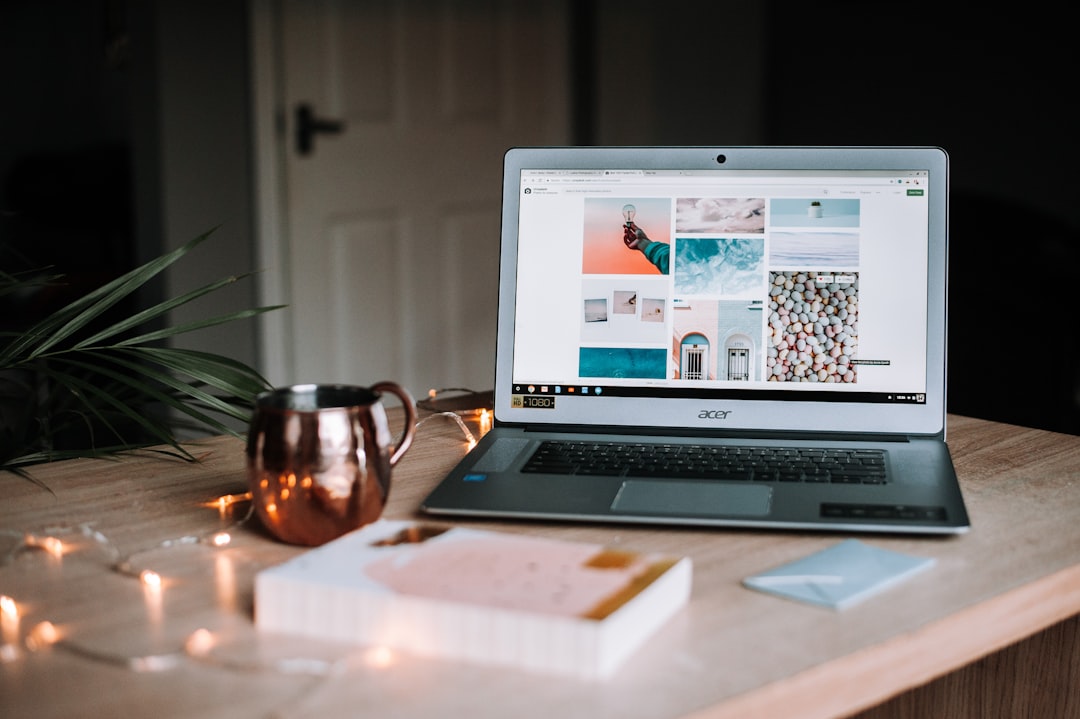
You do not need dozens of pages on day one. A practical small-business website can start with:
- Home: Clearly explain who you help, what you offer, and the next step.
- About: Introduce the business and build trust.
- Services or Products: Explain your main offerings in customer-friendly language.
- Contact: Include phone, email, enquiry options, address, and other useful details.
- Privacy and legal pages: Add the policies appropriate for your business and website.
If you only need a straightforward online presence, a focused one-page website can also be an option. arunnn currently offers a small business website option that can be considered when your requirements are simple.
How Much Should a Small Business Website Cost?
Pages • Design • Features • Hosting • Maintenance
There is no single correct price because website cost depends on the number of pages, design requirements, content, functionality, integrations, hosting, maintenance, and whether the site sells products online.
Instead of choosing a package only because it is cheap, make a list of the features that directly support your business. A brochure-style site may need pages, forms, responsive design, basic SEO settings, analytics, and a clear call to action. An ecommerce business will need substantially more functionality.
Cheap Website vs. Affordable Website
These terms are not always the same. A very cheap website can become expensive if it creates problems that later require a complete redesign, fixes, missing content, or poor mobile usability.
An affordable website should provide a sensible balance between price, usability, appearance, performance, and future flexibility. The goal is to spend money on things customers actually use rather than on unnecessary complexity.
How to Reduce Website Design Costs
There are several practical ways to keep the initial budget manageable:
- Start with your highest-priority pages. You can expand the site later.
- Prepare your business information early. Having your logo, services, contact details, photographs, and basic copy ready reduces delays.
- Choose a suitable platform. WordPress can be a practical choice when you want a website that can grow over time.
- Avoid unnecessary custom functionality. Build advanced features only when there is a real business requirement.
- Plan SEO from the beginning. Clear page structure and useful content are easier to build correctly than to repair later.
Mobile-Friendly Design Is Essential
Desktop ✓ • Tablet ✓ • Mobile ✓
Many potential customers will first encounter your business on a smartphone. Your website should therefore be easy to read and use on smaller screens. Buttons should be easy to tap, text should remain readable, images should not push the layout around, and important contact information should be easy to find.
A beautiful desktop website that is difficult to use on a phone is not a good value for a small business.
Affordable Ecommerce Website Design
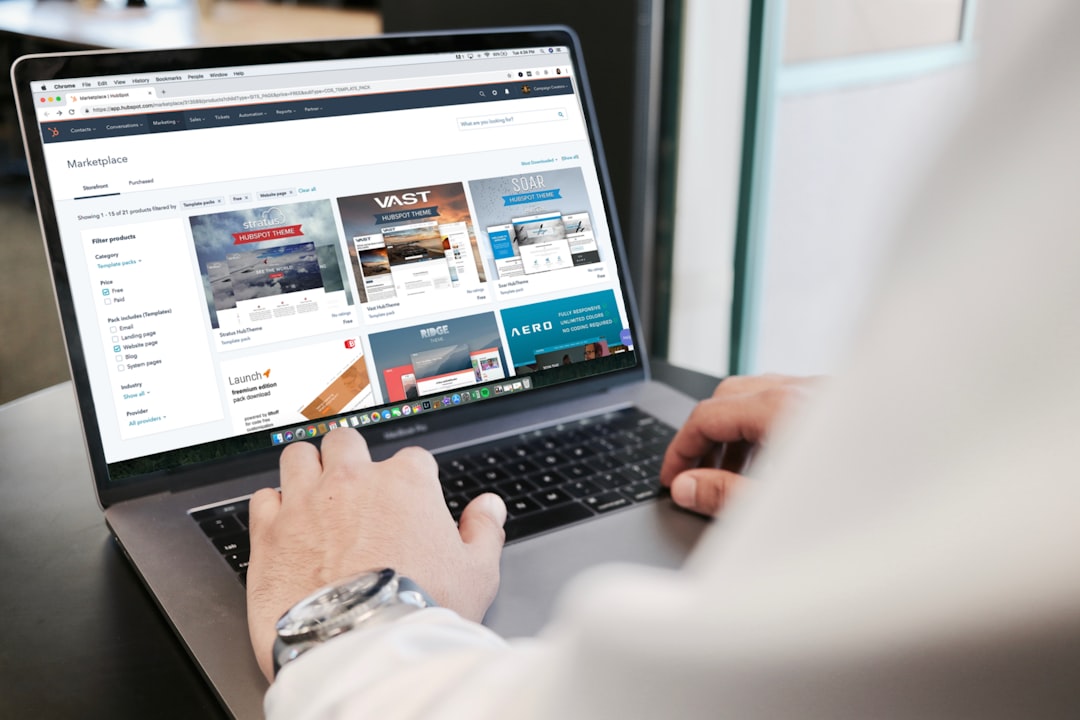
If you sell products online, your requirements are different from those of a basic business website. You may need product pages, categories, a shopping cart, checkout, payment gateways, order management, shipping settings, customer accounts, and analytics.
For businesses ready to sell online, you can review arunnn’s ecommerce website design Service and compare its scope with your actual requirements. Starting with the necessary ecommerce features can help avoid paying for functionality that you will not use.
Website Design and SEO Should Work Together
Website design is not only about appearance. Search engines need to understand your pages, while visitors need to understand your business quickly. Useful headings, descriptive page titles, relevant content, internal links, fast-loading images, mobile usability, and clear navigation all contribute to a stronger foundation. For the images themselves, Google’s image SEO guidance recommends descriptive filenames, useful alt text, relevant surrounding content, and optimized image delivery.
For example, a local business could create separate pages for its main services and support those pages with useful educational articles. This gives customers more information while creating opportunities for relevant internal linking.
Choosing a Web Design Company
Before hiring a web design company, ask what is included in the quoted price. Clarify the number of pages, responsive design, content support, hosting and domain responsibilities, basic SEO setup, forms, revisions, maintenance, and future changes.
It is also useful to look at previous work and ask how the company approaches websites for businesses similar to yours. A low initial quote is only useful when the final website meets your actual business requirements.
Build a Website That Can Grow
Your first website does not have to do everything. A better approach for many small businesses is to launch a clean, useful version first and improve it based on customer questions, search performance, enquiries, and sales.
You might begin with a few core pages, then add a blog, additional service pages, landing pages, online booking, ecommerce features, or more advanced marketing integrations as the business develops.
Final Thoughts
Affordable website design for small businesses is about making smart choices rather than simply choosing the lowest price. Focus on the pages and features your customers need, make the website mobile-friendly, create useful content, and leave room for future improvements.
If you are ready to plan your website, you can explore arunnn’s services, review the available website options, or contact arunnn to discuss your requirements.
Frequently Asked Questions
Can a small business start with a one-page website?
Yes. A one-page website can work well when the business has a limited number of services and mainly needs a professional online presence and enquiry channel.
Is WordPress suitable for a small business?
WordPress can be suitable when you want the flexibility to add pages, articles, forms, ecommerce, and other functionality as the business grows.
Should SEO be included in website design?
Basic SEO considerations should be part of the website structure from the beginning. Ongoing SEO is a separate, larger process involving content, technical improvements, authority, and search performance monitoring.

Pingback: How to create google my business page ? – A RUN
Pingback: Search Engine Optimization Lesson -1 – A RUN
Pingback: Why Keywords Are Still So Very Important for Search Engine Optimization – A RUN
Pingback: Low Cost Website Design: How to Build a Professional Website on a Budget | arunnn – A RUN
Pingback: How to Choose the Best Ecommerce Web Design Company in 2026 | arunnn – A RUN