
Website Design
The Mobile Website Enquiry Test: Can a Customer Contact You in 60 Seconds?

Nov
A mobile website enquiry test answers a practical question: can a new visitor understand your service and contact you without asking for help? Open your website on a phone, set a 60-second timer, and follow the steps below. The time limit is a useful exercise, not an industry benchmark or a promise of more leads.
A homepage can look polished while leaving customers unsure what to do next. A hidden phone number, vague service description, or broken form can interrupt an otherwise interested visitor. This test helps you find the interruption before paying to send more people to the page.
Start with one real customer task
Choose a specific situation. For example: “I run a bakery in Hyderabad and need a website. Can I find out whether this company builds bakery websites and ask for a quotation?” Give the task to someone who has not used your site before. Let them work without hints.
Start from a service page as well as the homepage. A customer arriving through a shared link may never see your main banner. Each important service page should explain the offer and provide a useful next step.
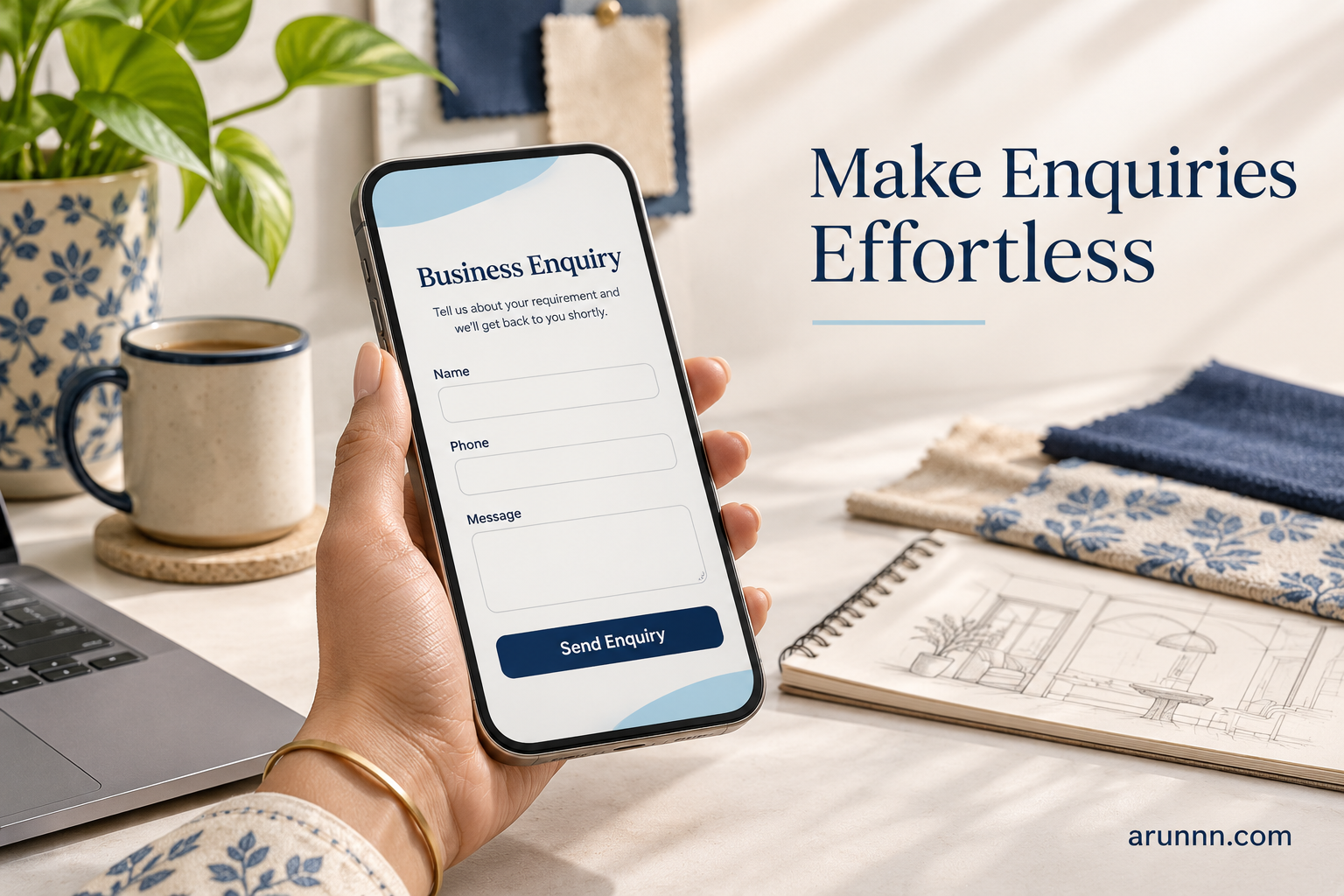
Run the mobile website enquiry test
Seconds 0–15: understand the offer
Can the visitor say what you do, who you serve, and whether their requirement fits? A heading such as “Solutions for Tomorrow” leaves the reader guessing. “Business Website Design for Shops and Service Companies” gives them something concrete.
Use the next sentence to explain scope. Mention location where it matters to the service. Avoid squeezing a long list of city names into the opening paragraph. If you are planning a site with a limited budget, our guide to affordable website design for small businesses explains how to prioritise the essentials.
Seconds 15–30: find the next step
Ask the tester to find a way to enquire. Watch whether they notice the main button, search the menu, or scroll to the footer. A useful label describes the action: “Request a Website Quote”, “Call Our Team”, or “Ask About This Service”.
Give the page one clear primary action. You can still offer another contact method nearby, but several equally prominent buttons can make the choice harder. Check that floating chat buttons do not cover the form or cookie controls.
Seconds 30–60: begin the enquiry
Tap the phone number and confirm that the dialler opens with the correct number. If you offer messaging, confirm that it opens the intended business account. Then try the form with test details you control.
Can the visitor complete the required fields using a phone keyboard? Does the submit button remain visible? Does a useful confirmation appear? If the minute ends before submission, record the exact point where the tester stopped. Do not rush them to manufacture a pass.
Check delivery after the timer stops
The visible confirmation is only part of the journey. Check whether the enquiry reached the intended inbox or business system. Include a recognisable test phrase so you can trace it. Check the reply address too: your team should be able to respond to the customer.
For a website you manage, use an authorised test submission and remove test records afterwards where appropriate. Do not enter another person’s details. A successful on-screen message alone does not establish that notifications are being delivered.
A simple example: a bakery website enquiry
Imagine a bakery owner looking for a five-page website. The designer’s homepage says “We Build Digital Experiences”, while its contact form asks for a full address, annual turnover, budget, company registration number, and project brief.
A more direct version could open with “Website Design for Local Businesses”. Its service page could explain the pages included, how quotations work, and what information the designer needs to start. The initial form might ask for a name, one contact method, and a short requirement.
This is an illustrative example, not a measured client result. The useful change is that the visitor can understand the service and begin a conversation with less uncertainty.
Record problems before choosing a redesign
Write down what happened in plain language: “Could not find the phone number”, “Button opened the wrong chat”, or “Form confirmation appeared but no notification arrived”. These observations give your designer a clearer brief than “make the site modern”.
- Fix first: broken contact links, missing form notifications, and controls covered by other elements.
- Clarify next: service headings, button labels, required fields, and what happens after submission.
- Review later: decorative effects and additional sections that do not resolve the observed problem.
If the structure already works, a focused repair may be enough. If several pages and templates prevent customers from completing their task, compare website redesign versus a new website before deciding on the scope.
Keep the enquiry form proportional to the request
An initial callback request does not need the same detail as a final project specification. Ask for information your team will actually use at this stage. Make optional fields visibly optional and explain unusual requirements beside the field.
For online stores, also test the product-to-checkout journey. Someone ready to buy has a different task from someone requesting a quotation. Our guide to essential ecommerce website features covers the wider store experience.

Repeat the test after each meaningful change
Use the same customer task so you can compare what happened. Try a second phone if available, and include the service page where the original problem occurred. Ask the tester what confused them before explaining your design decisions.
You do not need to add features every time the site feels quiet. Review what to remove from your business website to identify distractions that may be competing with the enquiry action.
Frequently asked questions
Does passing the test guarantee more enquiries?
No. Demand, traffic quality, pricing, trust, and the offer itself also matter. The exercise checks whether the contact journey is understandable and functional.
Should every business use WhatsApp?
Choose contact methods your team can monitor and manage. A working phone number or reliable form can be more useful than a messaging button nobody checks. State response hours or expected response times only when your team can meet them.
Do I need an expensive website to make enquiries easier?
The first fixes may involve wording, links, or form settings. Review the actual issue before commissioning a rebuild. Our low cost website design guide can help you plan the scope around your business needs.
Give your designer a task, not just a style reference
For your next website update, use this brief: “A new customer should be able to understand this service, find a suitable contact method, and send an enquiry from a phone.” Attach the problems observed during your mobile website enquiry test. That gives the work a clear purpose and a practical way to check the result.
