Website Design
Affordable Website Design for Towing Companies in the US
Nov
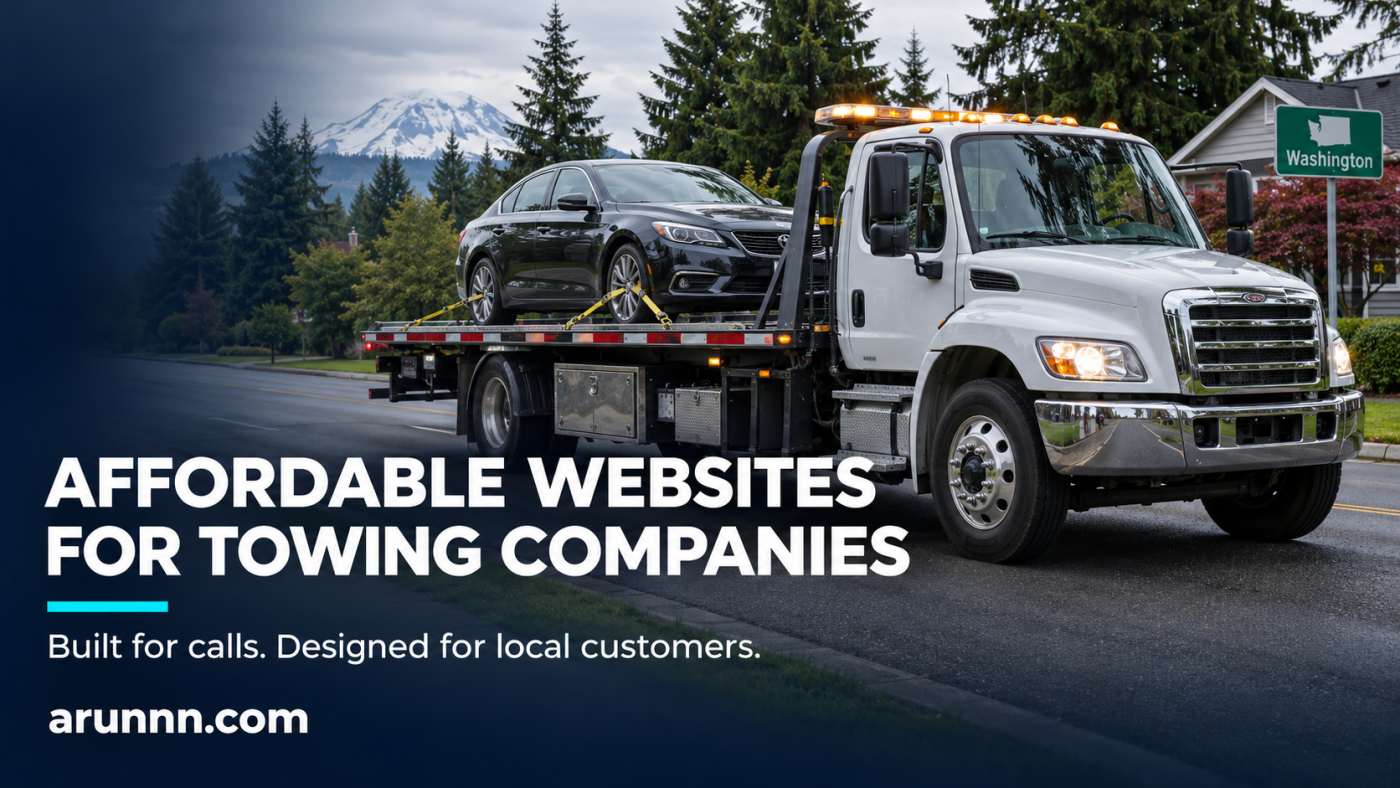
Affordable website design for towing companies starts with a simple question: can a driver quickly see whether you can help, where you operate, and how to call? For a US towing business, those answers deserve more attention than a complicated homepage animation.
A stranded driver may be comparing companies on a phone. Meanwhile, a repair shop may be looking for a transport partner for next week. Your website should serve both visitors without making either search through unnecessary pages.
This guide explains what to include, where to control costs, and how our KZAM Towing website portfolio illustrates a clear service-first approach.
What affordable website design for towing companies should include
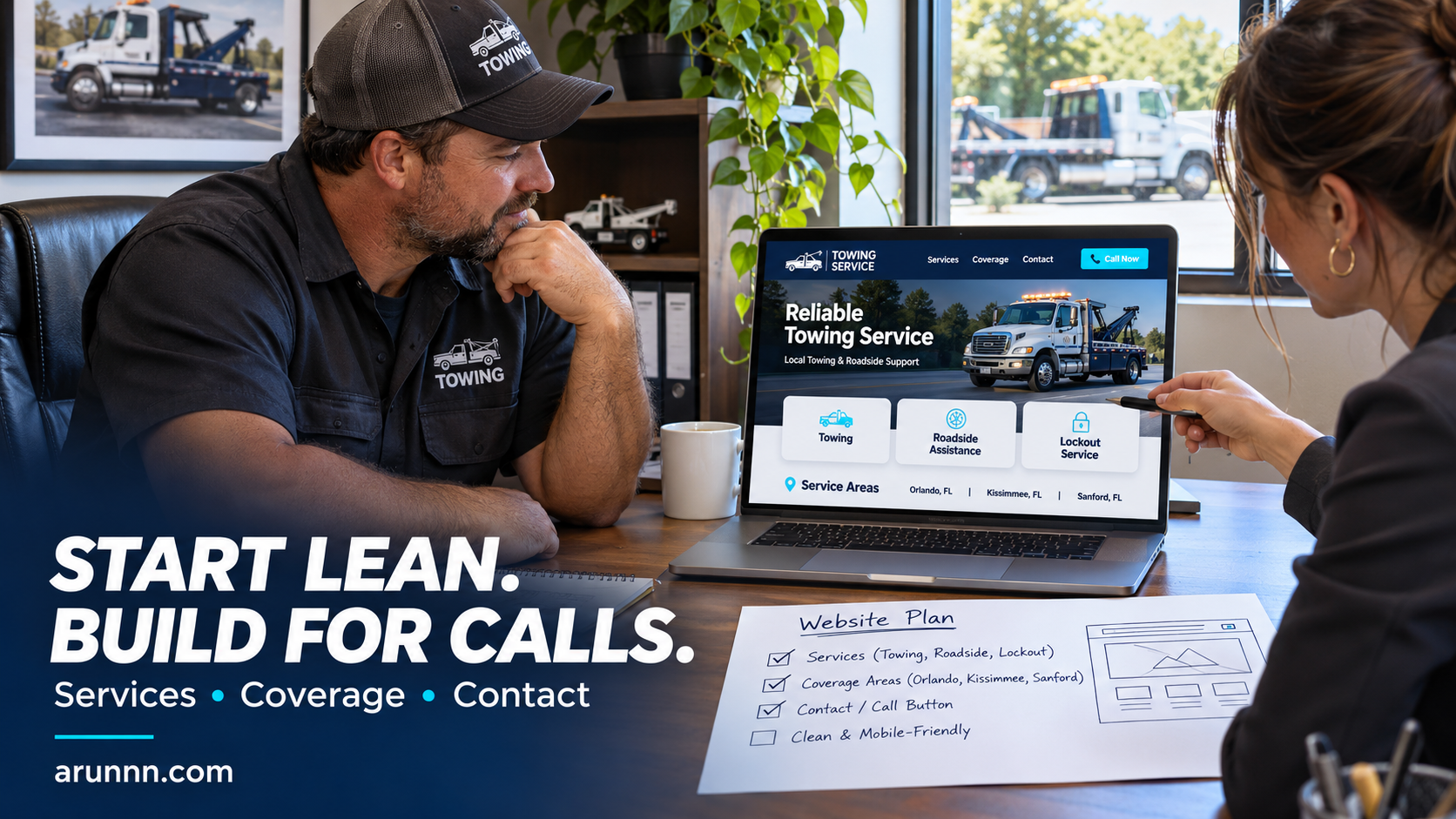
Start with the information a customer needs before contacting your dispatcher. A focused first version can include:
- A clear opening message: identify the towing or roadside service and the main area you cover.
- A visible call button: place the working dispatch number near the top and make it easy to use on mobile.
- Actual services: describe the vehicles and situations your company handles.
- Service areas: list the communities you genuinely cover.
- Company photographs: show your trucks, equipment, and relevant work.
- A secondary contact option: offer a short form for planned transport or nonurgent questions.
For an owner-operator with a focused service area, affordable one-page website design can provide a practical starting point. The scope should still include mobile layout, contact testing, and clear service information.
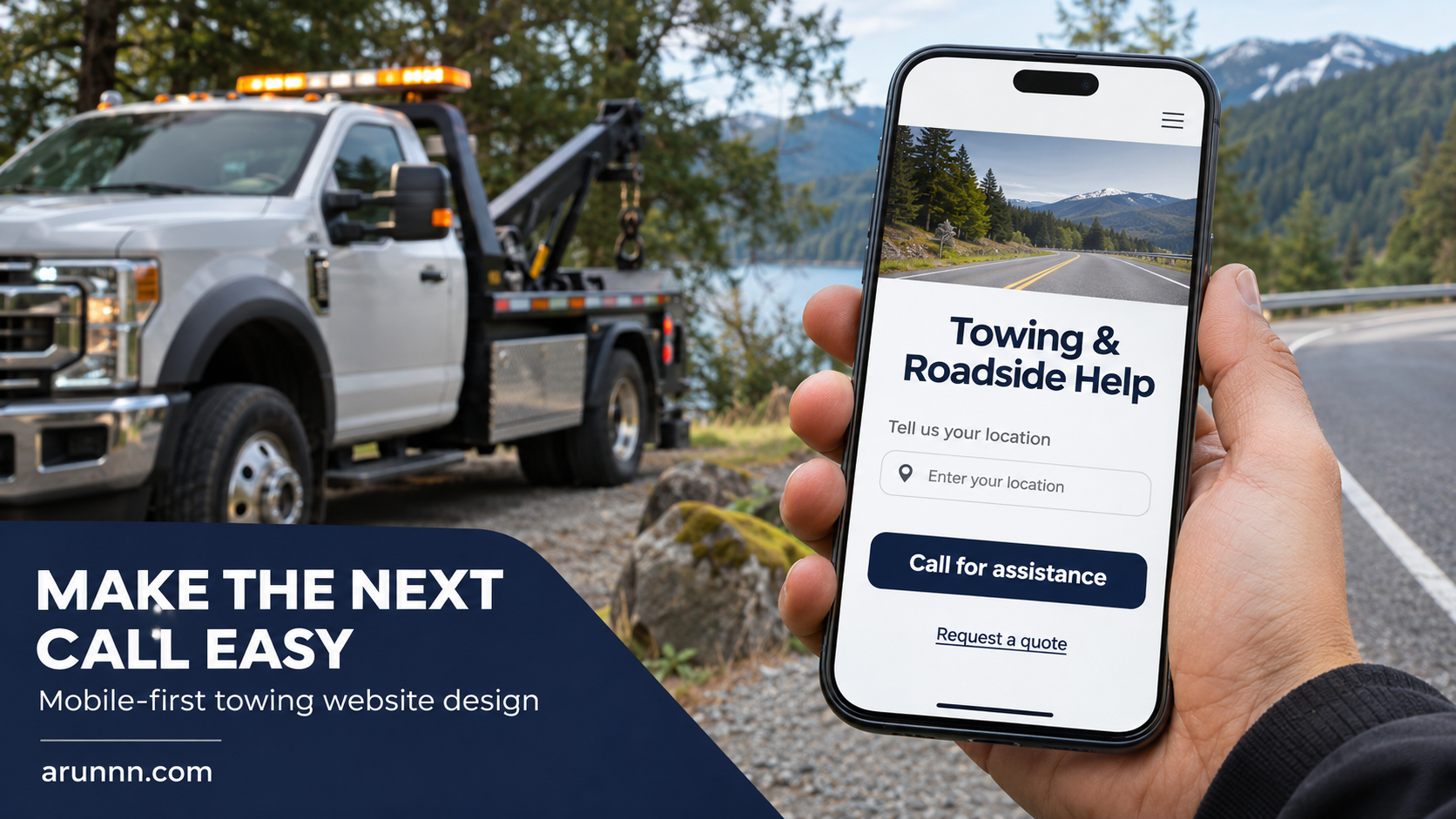
Design the mobile page around the next call
A call button should describe its action: “Call for towing” is clearer than “Learn more.” Use the same dispatch number consistently in the header, contact section, and mobile call control.
Keep the first screen readable. A short headline, a service-area statement, and a prominent phone action can give the visitor a clear starting point. Avoid a large pop-up or floating widget that covers the button.
Also distinguish a quote request from a confirmed dispatch. A form confirmation can say, “Request received. Our team will contact you to confirm availability.” It should not imply that a truck is already on its way.
Portfolio example: KZAM Towing in Washington
KZAM Towing is an Arunnn portfolio project serving a US audience. Its website presents towing and roadside assistance with a prominent telephone contact and separate routes to services, coverage, and a vehicle gallery.
The homepage organizes the first conversation around three useful details: the pickup location, the vehicle and its condition, and the destination. It also links to individual services and Washington communities, including Bothell, Everett, and Redmond.
That structure offers a useful lesson for other towing businesses: make the next step clear, then provide enough detail for a relevant inquiry. A visitor can explore the service information or call with the details needed to discuss the job.
View the live KZAM Towing portfolio website to explore the layout. Use your own operating areas, equipment, and contact process when planning your website.
One page or a website with separate service pages?
Choose the structure around your business rather than a page-count target.
| Business situation | Practical starting structure |
|---|---|
| Small operator with a few services and one main area | One page with services, coverage, company information, and contact sections |
| Several distinct services or vehicle categories | Homepage plus useful individual service pages |
| Multiple communities with different coverage details | A service-area overview and location pages where there is meaningful local information |
| Existing website with useful content but a poor mobile experience | Review and improve the current site before replacing everything |
If your current website hides the phone number, crops important truck photographs, or has confusing navigation, towing website redesign services may address the immediate problem. Keep useful content and working contact details while improving the layout.
Write service and coverage information customers can use
“We tow everything, everywhere” gives a visitor little help. Instead, explain your actual capabilities: passenger cars, motorcycles, work vehicles, flatbed transport, jump starts, tire changes, or lockouts, as applicable.
For coverage, name the cities and communities you serve. Then explain how customers should confirm a specific pickup and destination. Publish hours and availability that match your operation; use “24/7” only when your business genuinely provides that service.
A location page should add something useful, such as service availability, relevant routes, or pickup information. Repeating the same paragraph with a different city name does little to help the customer.
After the core pages are clear, monthly local SEO services can support ongoing work on local visibility and site content. Treat that as a separate scope from the initial design; a new website alone is not a promise of rankings or call volume.
Control the budget with a clear website scope
Affordable should mean you know what you are paying for. Ask for a written quote in US dollars that separates the initial build from recurring costs.
- Design and setup: page count, mobile layouts, content entry, and revision rounds.
- Domain and hosting: who owns the accounts, renewal charges, and what hosting includes.
- Content and photographs: what you supply and what the designer prepares.
- Contact features: click-to-call buttons, forms, notifications, and any paid integrations.
- Ongoing care: backups, updates, edits, and support after launch.
Avoid paying for a customer portal or complex booking system before you know you need one. Planned vehicle transport may benefit from a quote form, while an urgent towing request may need a direct call and dispatcher confirmation.
Keep your local business details consistent
Your business name, phone number, hours, and website address should agree across the website and the profiles you manage. For a towing company, an outdated dispatch number can make an otherwise good website unhelpful.
If you need help organizing the listing, consider Google Business Profile setup and optimization. Use the real business details and actual service areas rather than adding locations you do not operate.
Check the complete inquiry process before launch
Open the website on a phone and test each call button. Send a test inquiry and confirm that the right person receives it. Check the confirmation message, photo loading, service-area links, and navigation.
Test again after important updates. If your existing WordPress site has broken forms, layout problems, or plugin errors, WordPress fixes and website support can be scoped around those issues.
Frequently asked questions
How much does a towing company website cost?
The cost depends on page count, content, photography, integrations, and ongoing support. Request an itemized USD quote for your actual needs. A focused first version can cost less to build and maintain than a large custom system.
Can a one-page towing website work?
Yes, when it clearly covers your services, operating area, business identity, and contact options. Separate pages become useful when customers need more detail about different services or locations.
Can Arunnn design a website for a US towing company?
Yes. KZAM Towing is a portfolio example for a Washington business. Share your service list, coverage areas, photographs, and preferred contact process so the website scope can match your operation.
Plan a towing website around your business
Bring your main service area, dispatch number, service list, company photographs, and a few examples of the calls you want to receive. Arunnn can use those details to scope a clear, mobile-friendly website for your towing company.
Start with the pages and contact features your customers need today, then expand when the business requires more.
